Day 2
Use pictures that prove the work
Choose photos that show the real thing, size them to the slot, and write alt text.
Transcript
A picture should teach or prove. If it does neither, it is weight.
Photos work as JPEG or WebP. Logos stay sharp as SVG or PNG.
Export near the size you display. Compress after that.
Alt text describes the information. Decorative pictures get an empty alt.
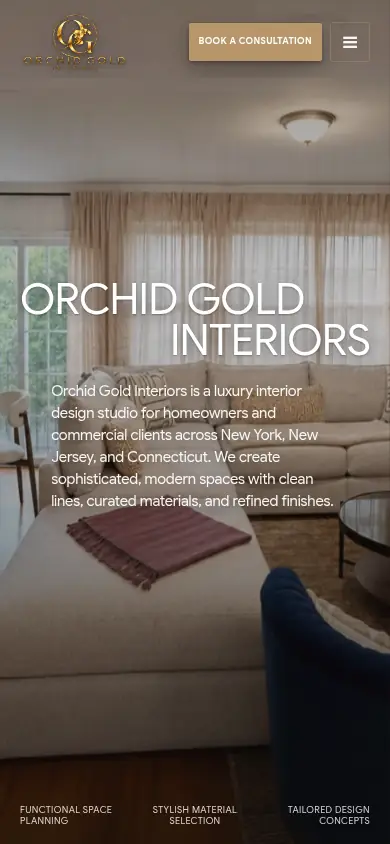
Do not put the headline inside the picture. Keep it as real text, as on these homepages.
A picture should teach or prove. If it does neither, it is weight.
Photos work as JPEG or WebP. Logos stay sharp as SVG or PNG.
Export near the size you display. Compress after that.
Alt text describes the information. Decorative pictures get an empty alt.
Do not put the headline inside the picture. Keep it as real text, as on these homepages.
Try this. Write alt text for three photos. Mark any you cannot describe.
Open Day 2
Day 2 opens when the six Day 1 lessons are marked complete and you save an email. The box is optional.
Let's work together
Want a written quote?
Message me with business type, parish, and whether you need booking or payments.